
A PDF editor that never uploads the file
Most online PDF tools copy a contract, an ID or an invoice to a server before they will touch it. Elint Brains built a free set of tools that do the work in the browser, with no account.
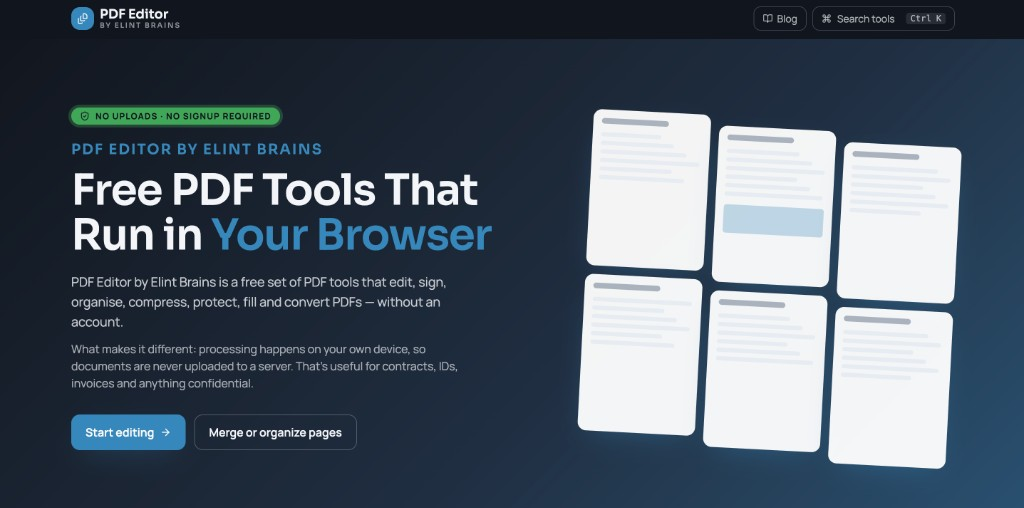
The job people actually have
Fix a typo on a document that has already been signed. Shrink a phone scan to fit a 1 MB, 2 MB or 5 MB portal limit. Put one guest name on a hundred invitations. Merge a contract with its annexure.
The file is often the sensitive part — a contract, an ID, an invoice. Asking someone to upload it first is the wrong default.
Ten tools, one product
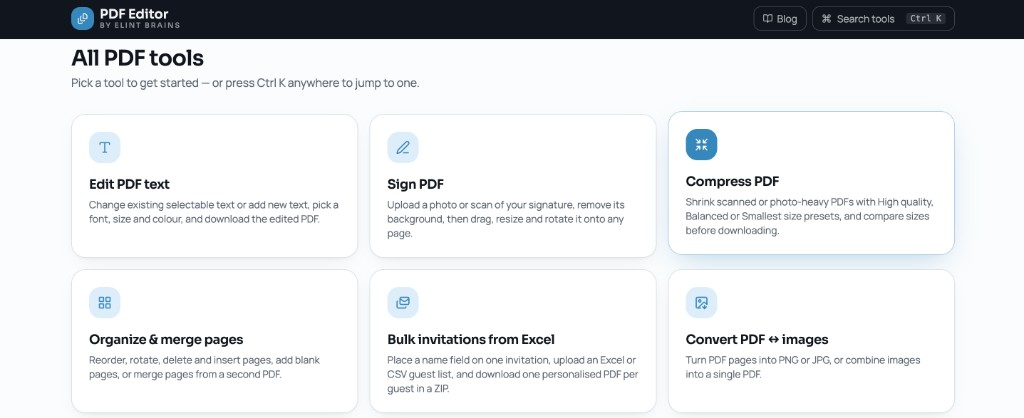
The product is ten tools, and each one is a direct task: edit text, sign, compress, organize and merge, convert pages to images, convert text to Markdown, protect and unlock, fill forms, edit the title, author and keywords, and place names on invitations from an Excel or CSV list.
There is no account wall and no dashboard to learn. You pick the job, and the file stays in the tab.
Privacy is the architecture
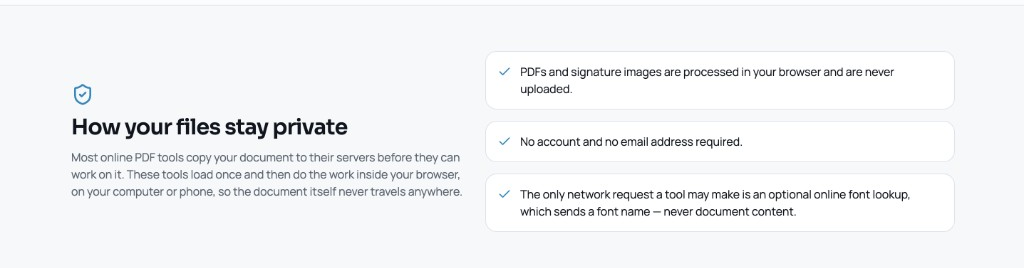
Processing stays on the device. Nothing is uploaded, and the tools do not ask for an email.
The only optional network call is a font-name lookup, and it sends the font name, never the document. That is what makes the same tools usable for contracts, IDs and invoices.
Each screen teaches the task
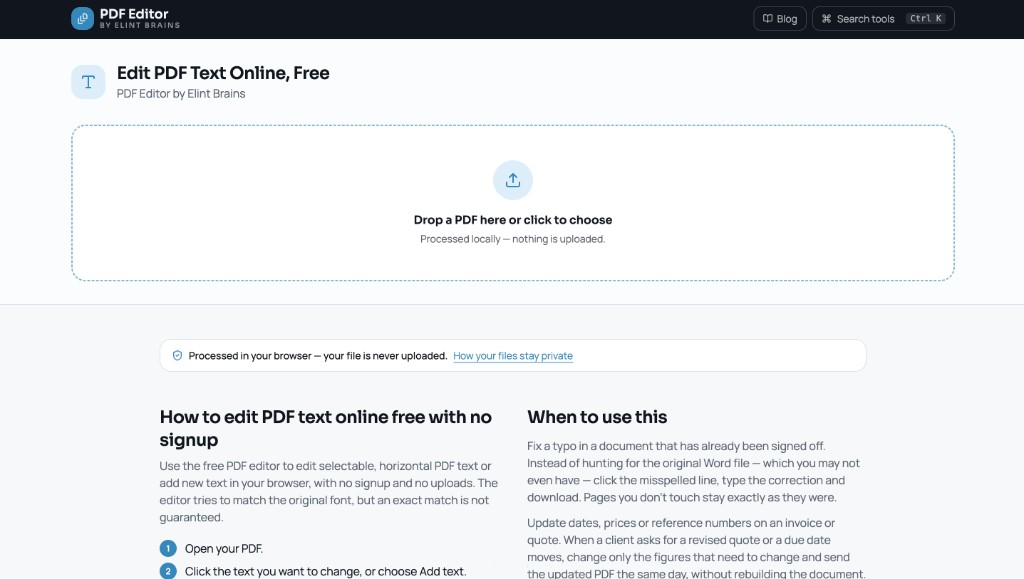
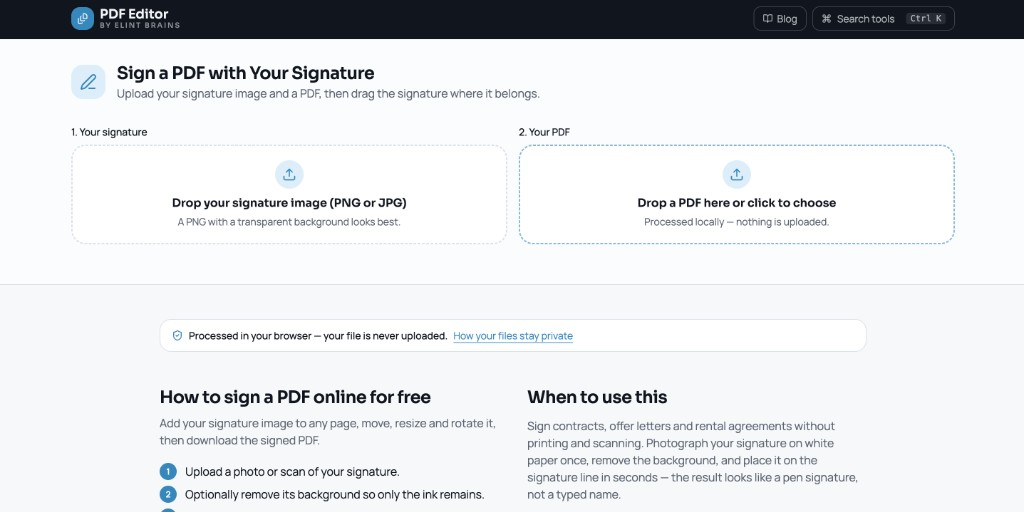
Every tool opens the same way: a drop zone, a short how-to, and a column that says when to use it.
Signing starts from a photo or scan. The background can be removed so only the ink is left, then the signature is dragged, resized and rotated onto the page.
Compression offers High quality, Balanced and Smallest, and shows the new size before anything is downloaded. Invitations place one name field on a design, take a spreadsheet, and return a ZIP with one PDF per guest.
What it will not pretend to do
Text editing works on selectable, horizontal text. The editor tries to match the original font; an exact match is not guaranteed. A scanned page is an image, so new text goes on top of it.
Compression rebuilds photo-heavy pages as JPEGs. Selection and form fields are lost, and a smaller file is not guaranteed. Markdown keeps headings, paragraphs and lists. Images, charts and scans are not converted.
Those limits are written on the product page. A tool people trust has to say what it will not do.
The tools are live. Files are processed in the browser.